2D, side-by-side and top-bottom 3D, VR180 and VR360, detected automatically and played the way they're meant to be seen.

SpatialClip
3D video editor for Meta Quest
Edit 3D, 180° and 360° video right where you watch it
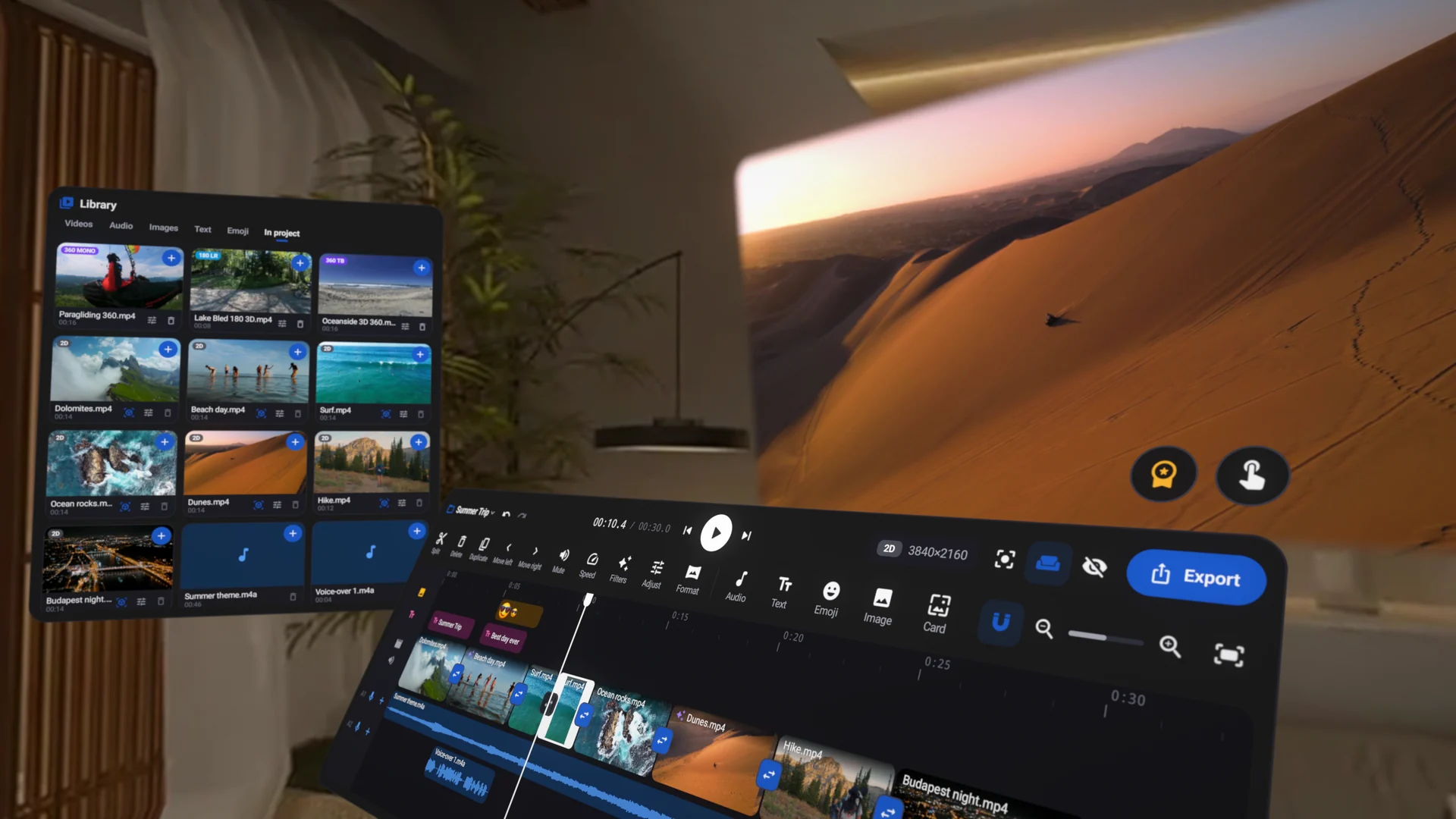
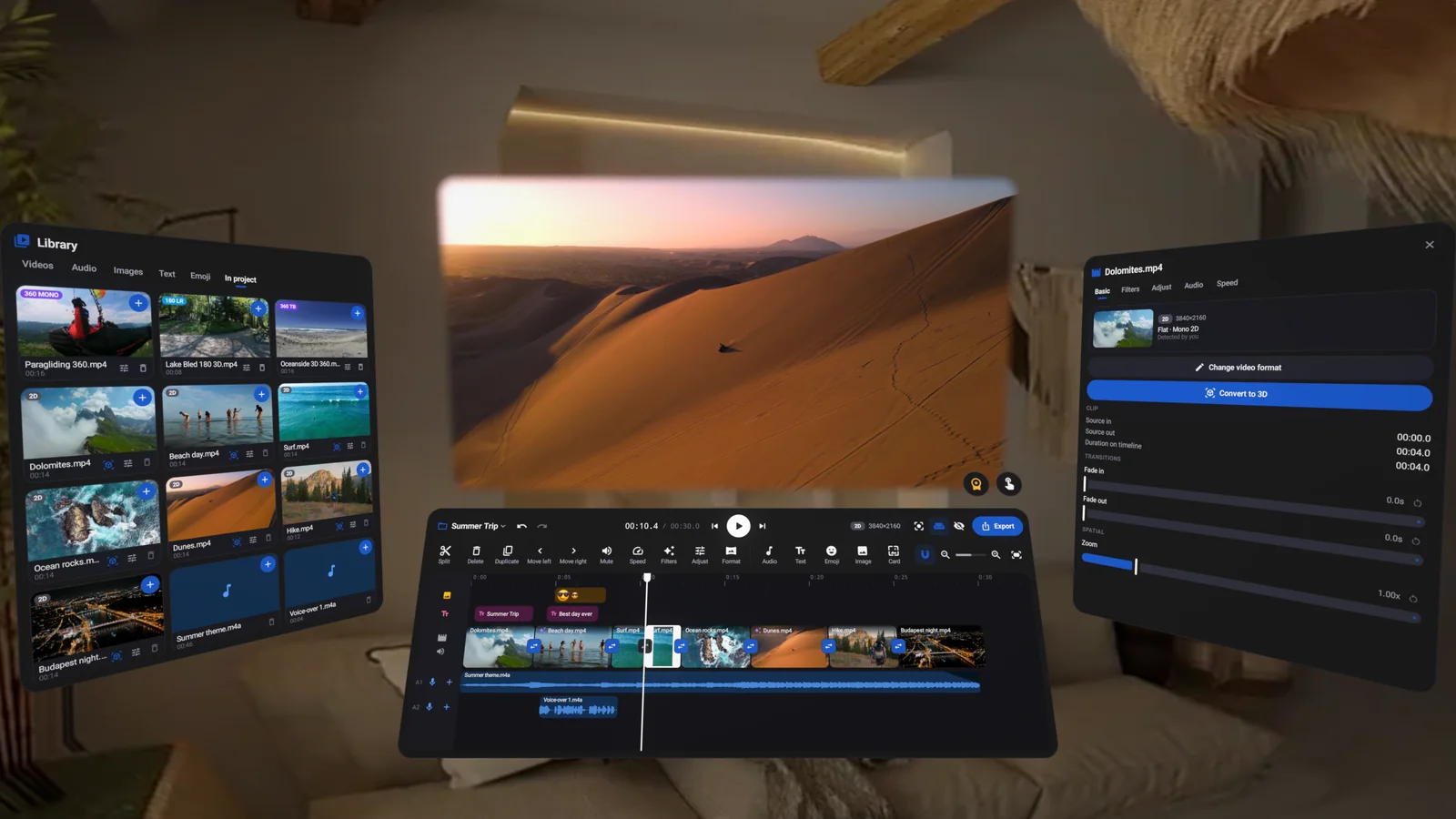
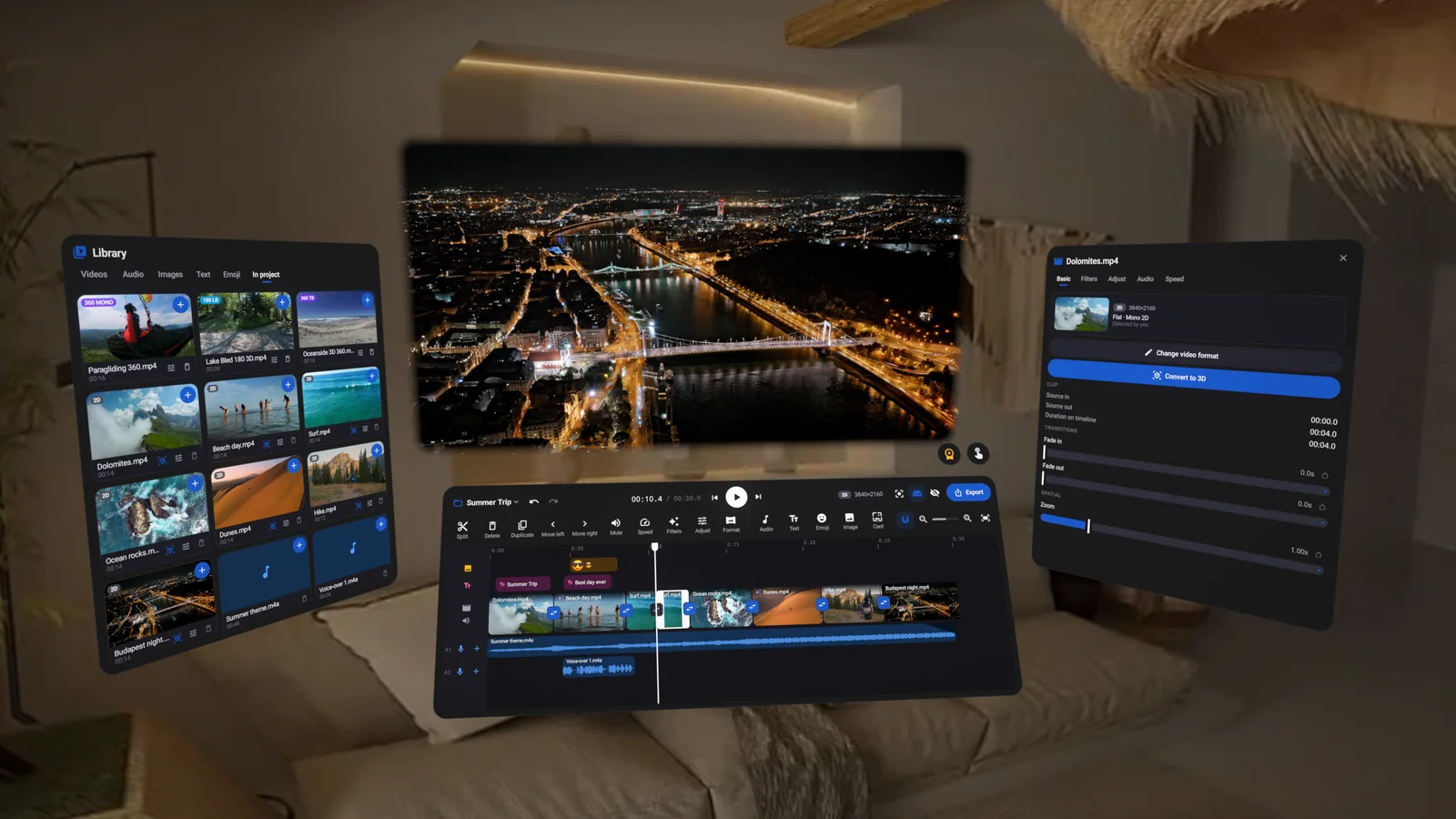
SpatialClip turns your headset into an editing studio. Trim and split, add titles and emoji that pop out in 3D, music and voice-over, filters and transitions, turn flat video into 3D, then export or share to YouTube, all with the windows floating in your own room.
2D3D180°360°
Every format2D, 3D, VR180 and VR360
AI 2D → 3DRuns on your headset
Export up to 8KWith VR metadata
Share to YouTubeStraight from the headset
Trailer
See SpatialClip in action
Edit
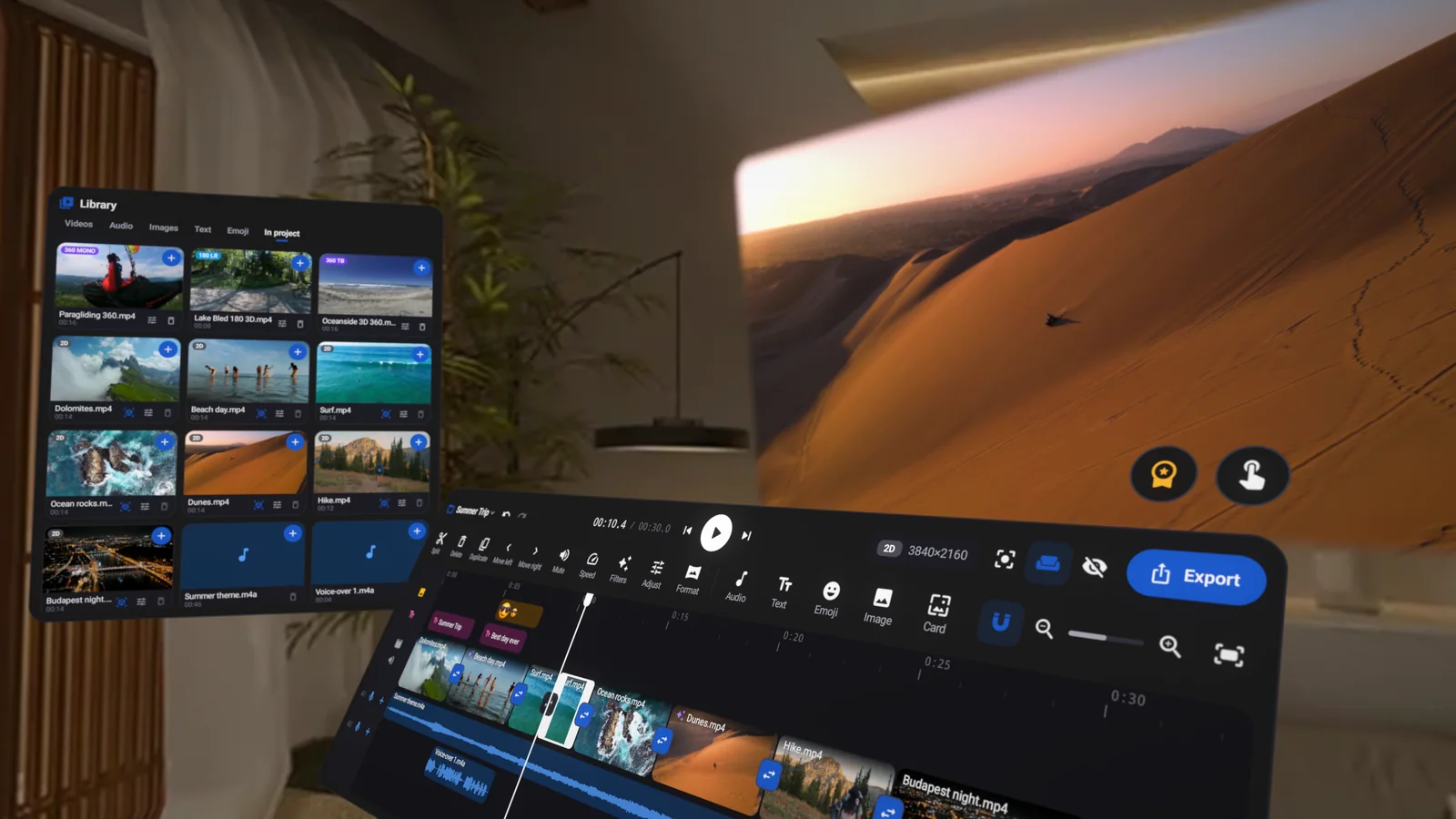
A real timeline, in mixed reality
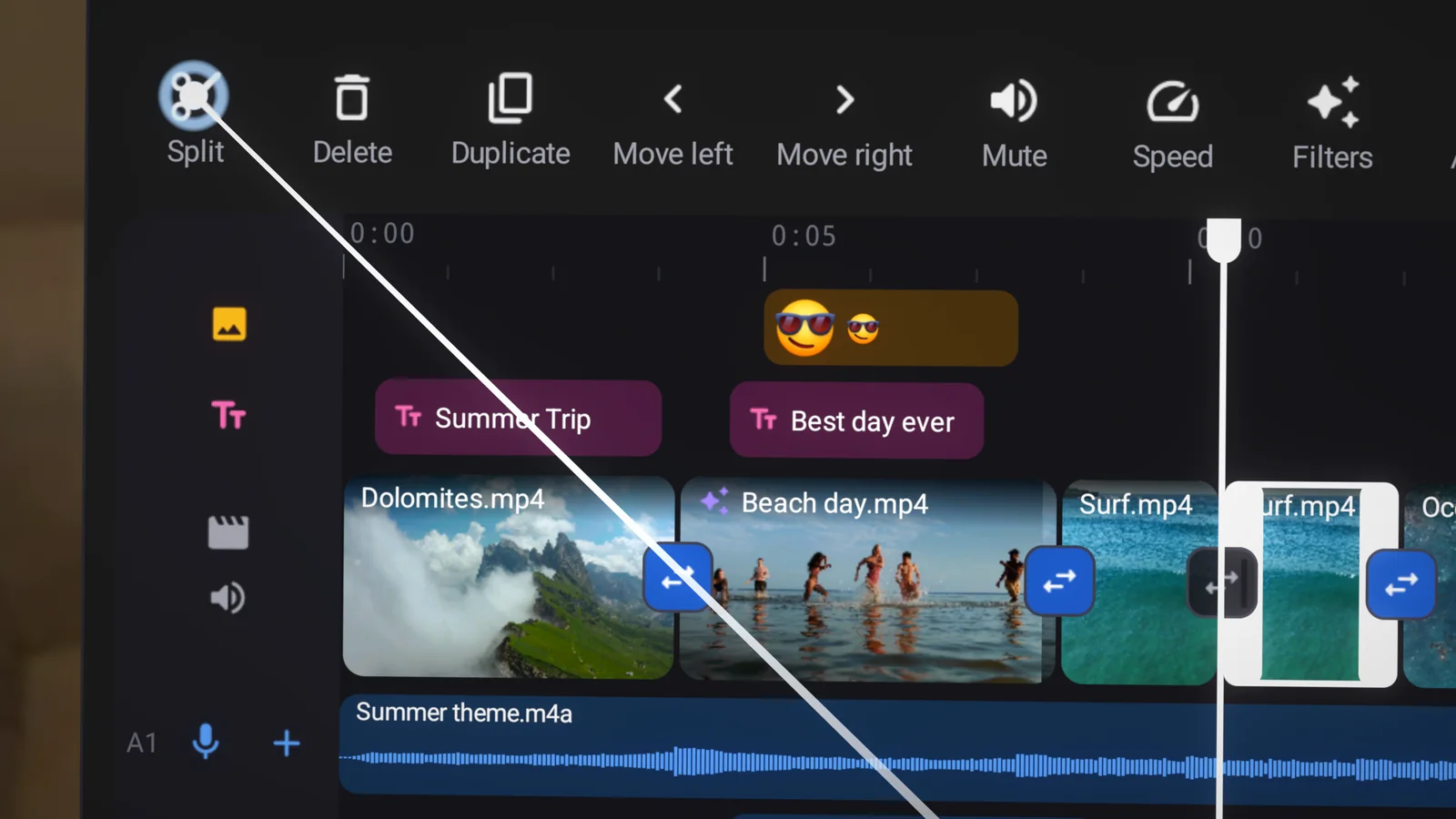
Clips, titles, emoji, music and voice-over each get their own lane. Point with a controller, pinch with your hands, or bring every window within reach and edit with a fingertip.
TrimDrag a clip's edge; everything after it follows.
SplitCut a clip in two at the playhead.
TransitionsDissolve, wipe, slide, zoom, circle and more.
AI depth
Turn any 2D video into 3D
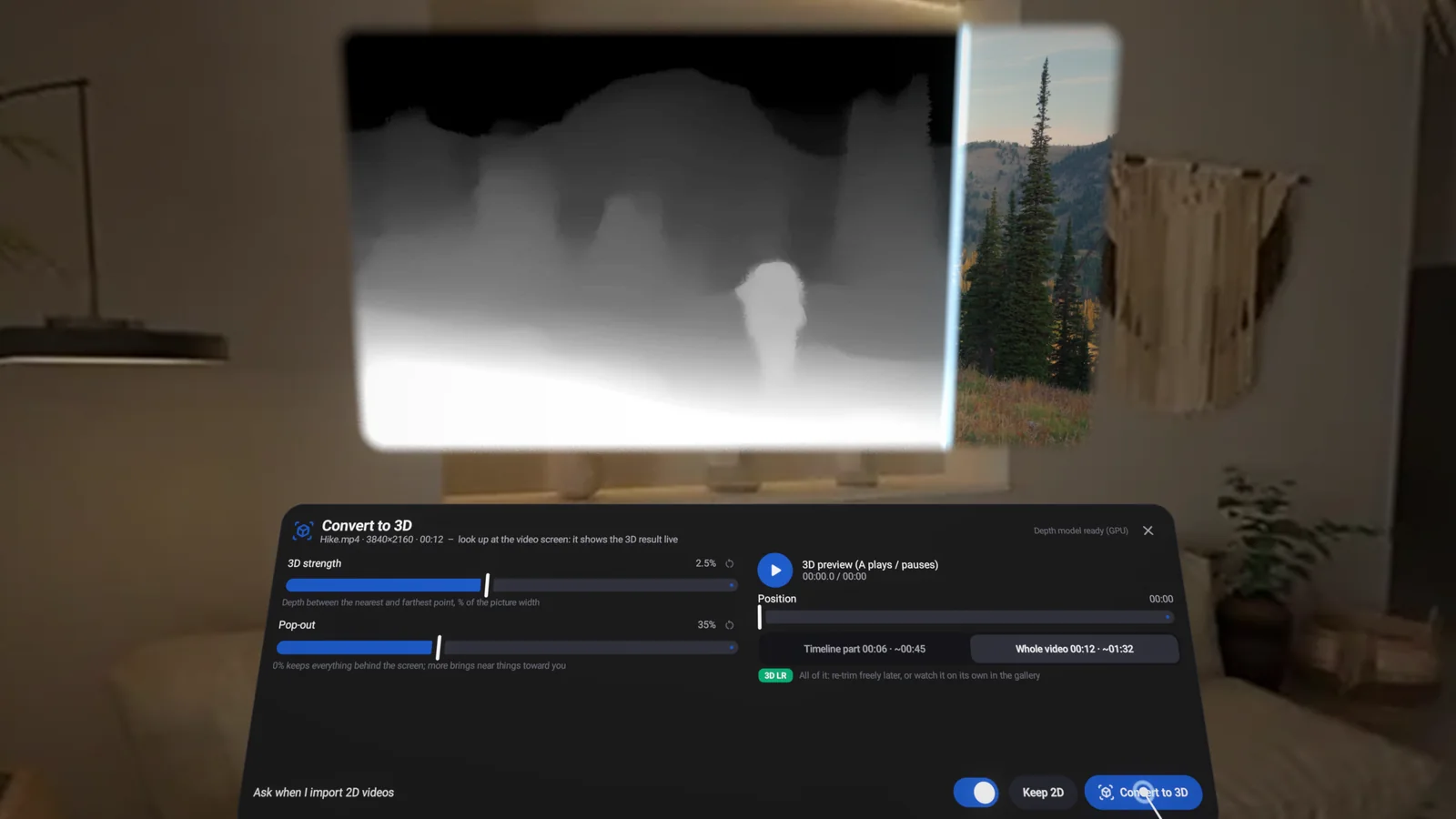
An AI depth model runs right on your headset and draws a separate picture for each eye. Preview the depth and pop-out live, then convert.
- Full side-by-side 3D at the source resolution
- Convert the whole video or only the part you use
- Nothing leaves your headset
Create
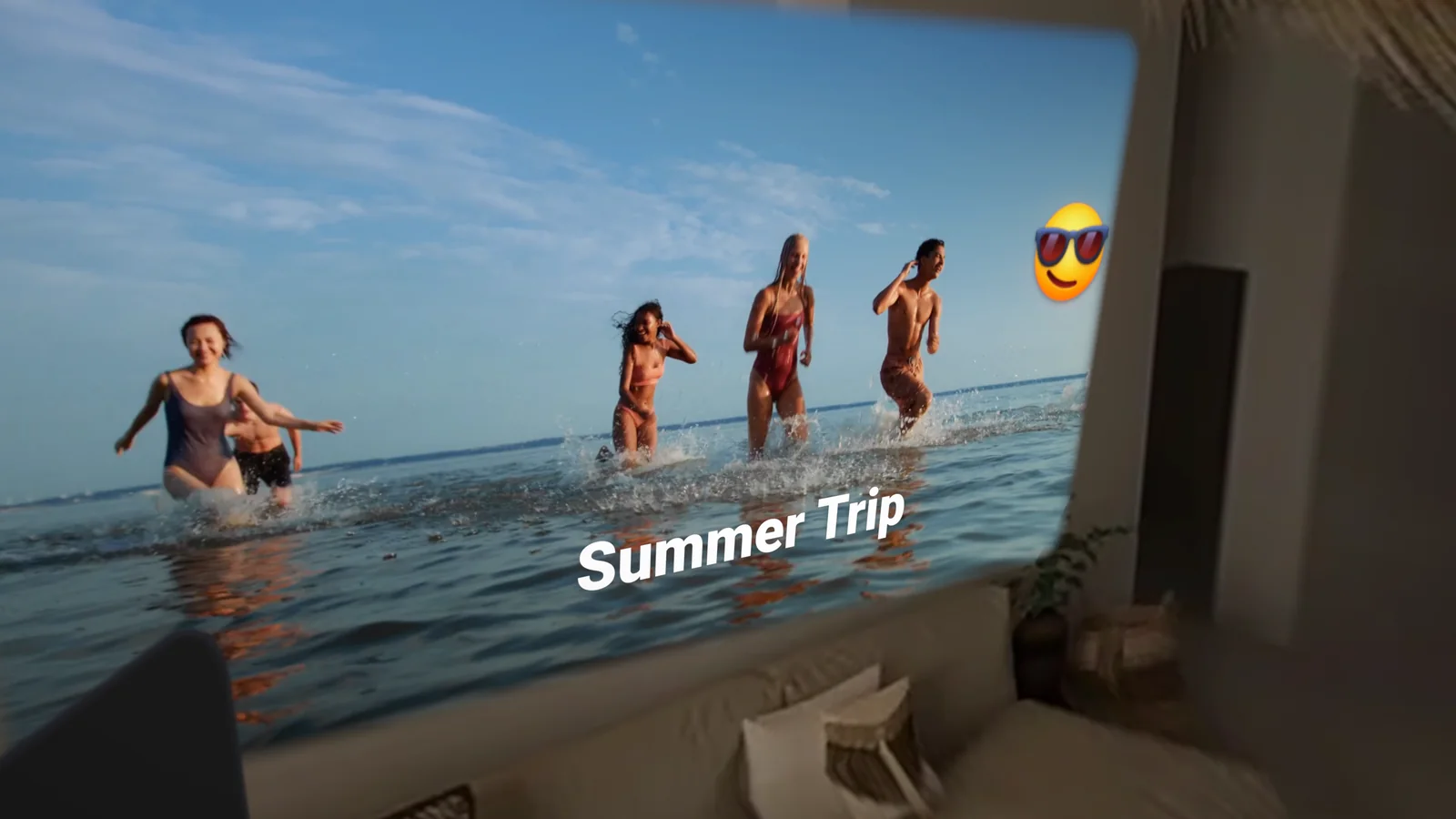
Titles and emoji that pop out in 3D
Text, emoji, stickers and logos are drawn into both eyes with real stereo depth, so they float in front of your video.
- Fonts, colors, backgrounds and depth
- Title cards with solid or gradient backgrounds
- Images keep their transparency
Immersive
Edit 360° from inside the 360°
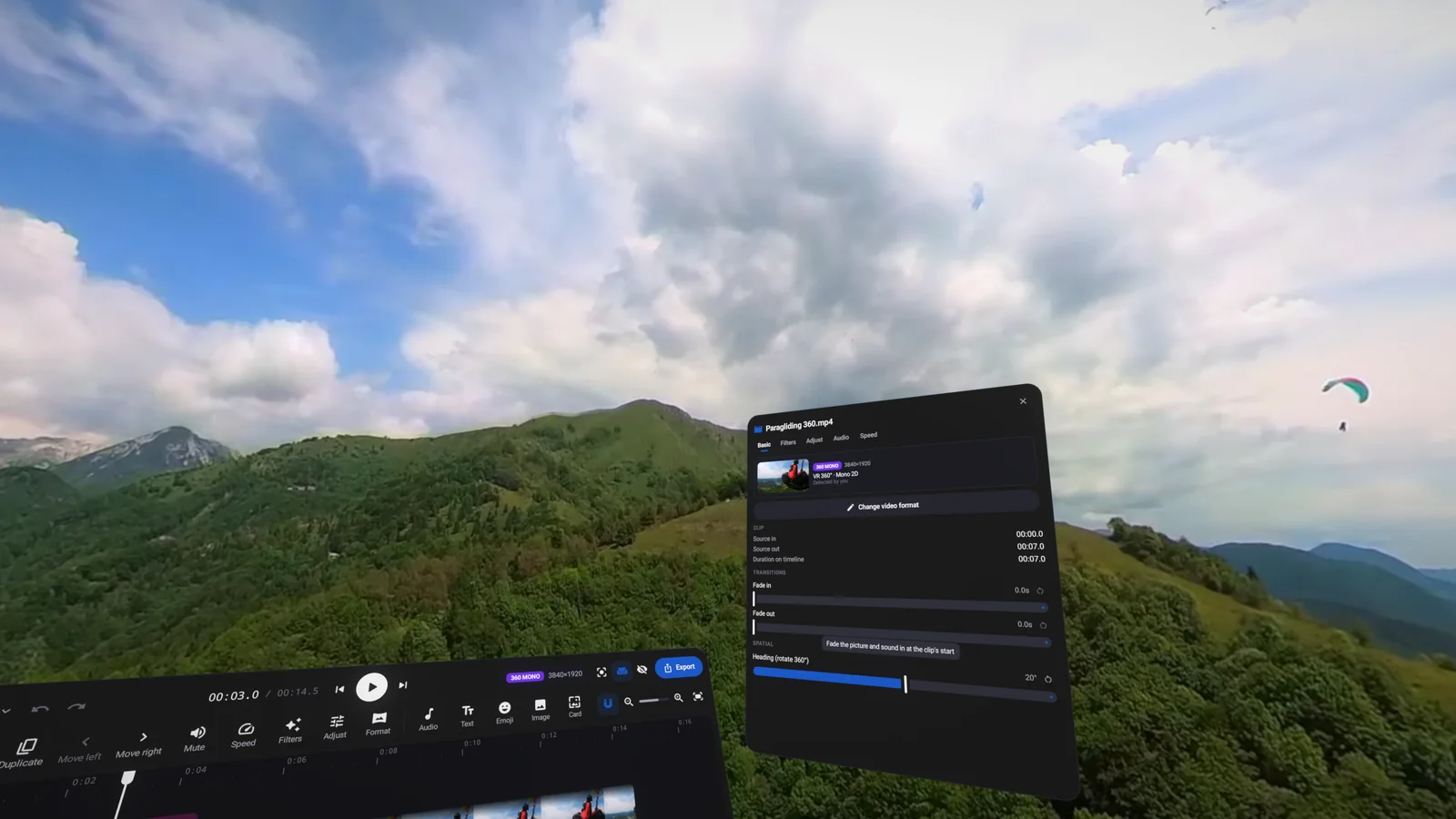
VR360 and VR180 videos play all around you while you edit, so you see exactly what your viewers will. Rotate the heading of a 360° clip to set where it starts.
- Mono and stereo 360° and 180°
- Fisheye and YouTube cubemap sources supported
- Exports recognized by YouTube VR and VR players
Look
Filters, color and speed
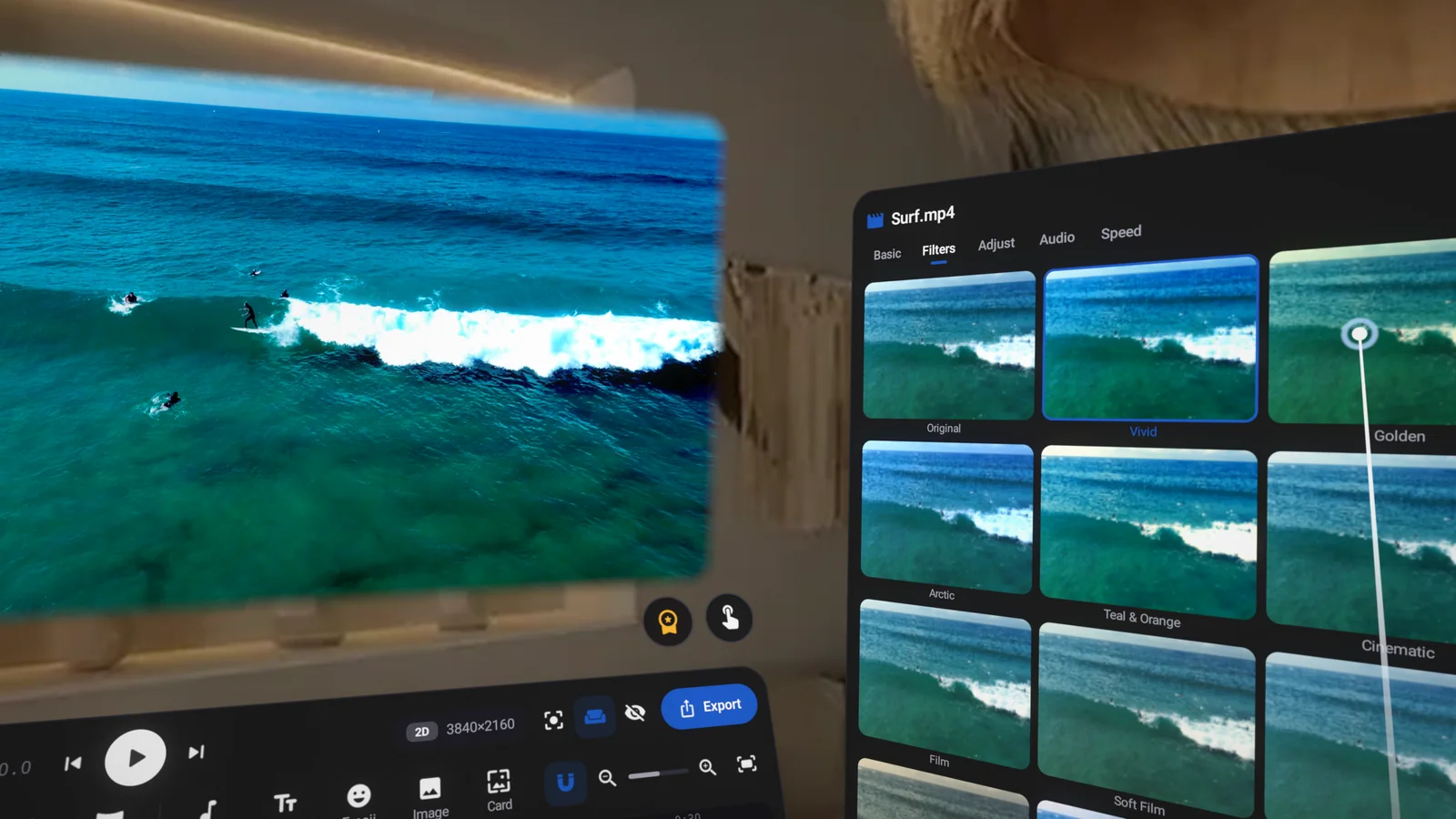
Sixteen built-in looks plus your own .cube LUTs, with brightness, contrast, saturation, temperature, highlights, shadows, vignette and more, previewed live.
- Speed from 0.25× to 4× with natural pitch
- Per-clip volume, fades and mute
- Music and voice-over on their own tracks
Everything you need
Key features
A full editor built for stereo 3D and VR video, running entirely on Meta Quest.
Trim handles, split at the playhead, reorder, duplicate, snapping, undo and redo.
Text, emoji, stickers and logos with stereo depth that pops out of the screen.
Up to three audio tracks, and record a voice-over with the headset's microphone.
16 looks, your own .cube LUTs and full color adjustments with a live preview.
0.25× to 4× with the pitch kept natural.
Dissolve, dips, wipes, slides, zoom and circle, drawn per eye so 3D stays correct.
Turn flat videos into side-by-side 3D with an on-device depth model.
H.264 or HEVC, quality and frame rate options, with VR metadata written in.
Upload your export straight from the headset, or send it with the share menu.
Point and click, pinch, or bring every window within reach and use your fingertip.
Projects save themselves, and your videos stay on your headset unless you share them.
Screenshots
Your room is your studio

Join the SpatialClip community
Tips, news, and a direct line to the developer for ideas and feature requests.
App privacy and policies
What SpatialClip may ask for, and why.
- Videos and audio on your headset: to list them in the Library so you can edit them.
- Microphone: only while you record a voice-over.
- Hand tracking: to use the app with your hands.